
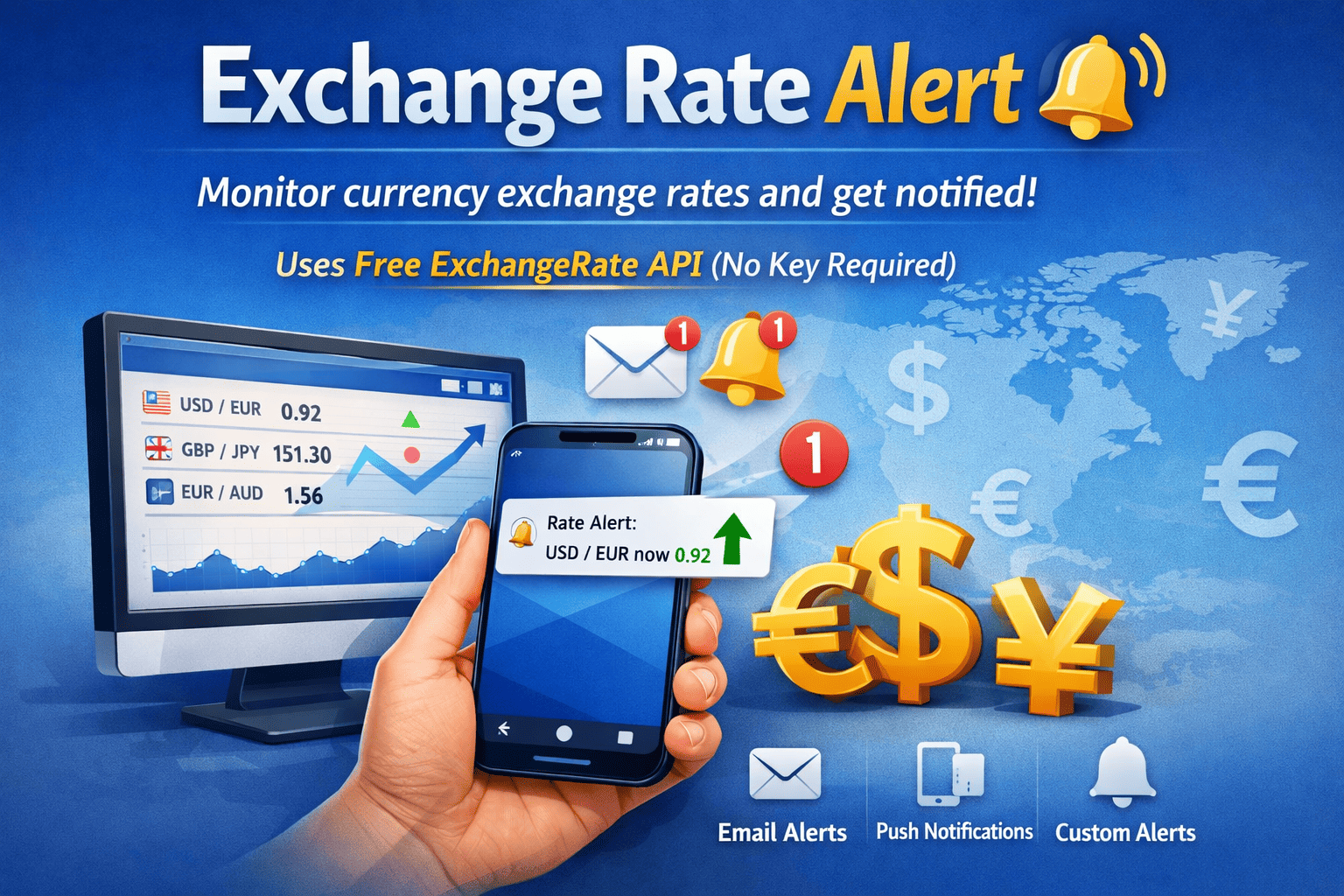
Monitor live currency exchange rates and get instant notifications — no API key required. This guide walks you through the Exchange Rate Alert community template.
What It Does
The Exchange Rate Alert template is a 3-step workflow that:
- Fetches live exchange rates from the free ExchangeRate API
- Builds a formatted report with your selected currency pair
- Sends a notification to Telegram, Discord, Slack, LINE, or any webhook
fetch_rate → build_report → send_reportNo API key is needed — the ExchangeRate API offers ~1,500 free requests per month.
Quick Start
1. Import the Template
Go to the Marketplace, search for Exchange Rate Alert, and click Install.
2. Configure the Fields
After importing, you'll see three fields in the Builder UI:
| Field | Default | Description |
|---|---|---|
| Base | USD | Base currency code (e.g., USD, EUR, JPY) |
| Target | EUR | Target currency code |
| Webhook URL | — | Your notification webhook URL |
3. Set Up Your Notification Channel
Telegram
- Open Telegram and search for @BotFather
- Send
/newbotand follow the prompts to create your bot - Copy the Bot Token (looks like
123456:ABC-DEF...) - Send any message to your new bot
- Open
https://api.telegram.org/bot<TOKEN>/getUpdatesin your browser - Find your Chat ID in the response (e.g.,
8719660788) - In the template:
- Webhook URL:
https://api.telegram.org/bot<TOKEN>/sendMessage - Add
chat_idin thesend_reportstep params
- Webhook URL:
Discord
- Go to Server Settings > Integrations > Webhooks
- Click New Webhook, choose a channel, and copy the URL
- Webhook URL:
https://discord.com/api/webhooks/xxx/yyy
Slack
- Go to api.slack.com/apps > Create New App
- Enable Incoming Webhooks and add to a channel
- Webhook URL:
https://hooks.slack.com/services/xxx/yyy/zzz
LINE Notify
- Go to notify-bot.line.me and generate a token
- Webhook URL:
https://notify-api.line.me/api/notify
4. Run It
Click Execute and you'll receive a message like:
Exchange Rate Report

Base: USD
Last Updated: Thu, 06 Mar 2026 00:02:31 +0000
Rates: {"EUR": 0.92, "GBP": 0.79, "JPY": 149.85, ...}
How It Works Under the Hood
Step 1: fetch_rate — HTTP Request
Calls https://open.er-api.com/v6/latest/[[base]] where [[base]] is replaced with your chosen currency code (e.g., USD).
Step 2: build_report — Text Template
Formats the raw API response into a readable report using data.text.template:
template: |
  Exchange Rate Report
  Base: {base}
  Last Updated: {time}
  Rates: {rates}
variables:
  base: "[[base]]"
  time: "${fetch_rate.data.body.time_last_update_utc}"
  rates: "${fetch_rate.data.body.rates}"
Step 3: send_report — Notify Send
Sends the formatted report via notify.send. The module auto-detects the platform from the webhook URL — no extra configuration needed for Discord, Slack, or LINE.
Customization Ideas
- Add a filter step — Only notify when a specific rate crosses a threshold (e.g., USD/JPY > 150)
- Schedule it — Add a
trigger.scheduleto run every hour or daily - Multiple currencies — Duplicate the workflow for different currency pairs
- Rich formatting — Use Discord embeds or Slack blocks by customizing the
titlefield
API Reference
- ExchangeRate API: open.er-api.com
- Rate Limit: ~1,500 requests/month (free tier)
- Supported Currencies: 150+ currencies including crypto
- No API key required
Ready to try it? Install the template from the Marketplace and start monitoring exchange rates in minutes.